Your desktop, zoomed out into the agent's instrument.
A macOS overlay for pi. One chord and the screen you're looking at shrinks into a CRT beside a live agent transcript — with the last few minutes of it on tape.
- ⌥Space
- reveal / hide
- ⌥ + scroll ↓
- scrub the zoom
- ⌥ + scroll ←→
- rewind time
- ⌥Tab
- agent ⇄ desktop
01
It sees
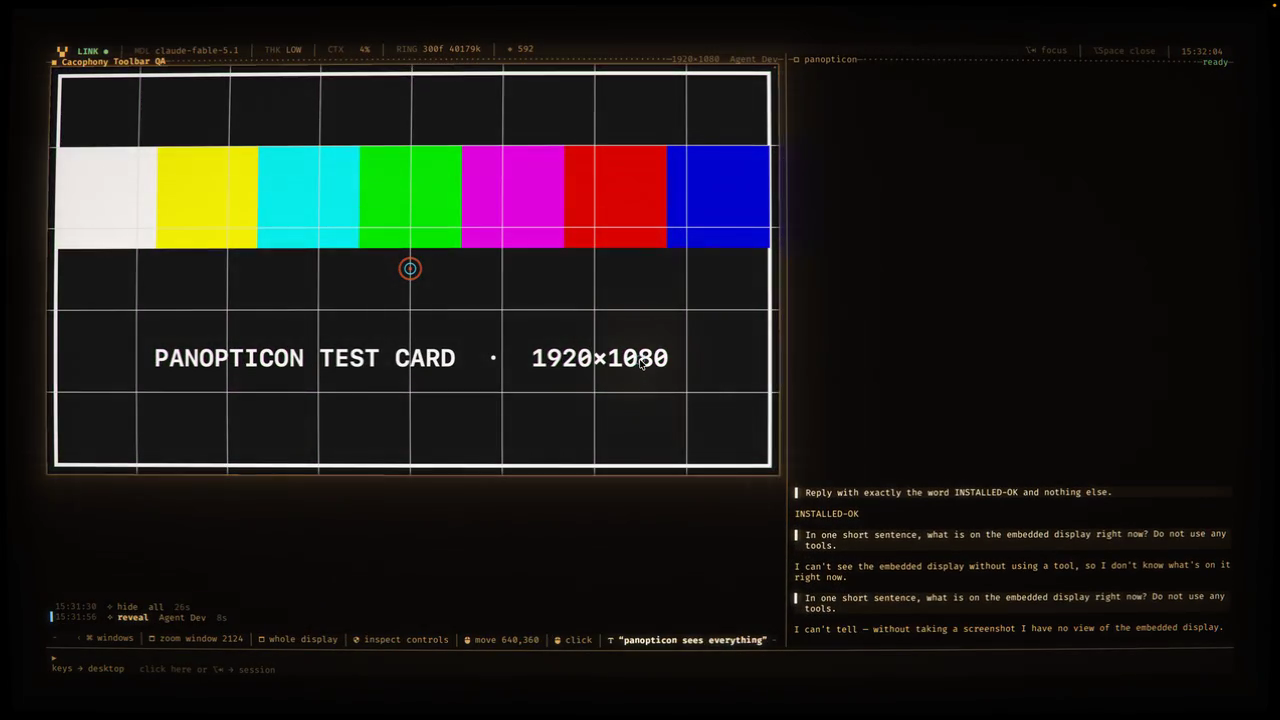
- Live ScreenCaptureKit stream of every display, always on, delivered only when pixels change.
- A ring buffer of the last minutes at 1 fps plus permanent 5-minute checkpoints, each described by a vision model — so “when was I last in Xcode?” is a text search.
- The agent gets
desktop_screenshot,desktop_windows,desktop_history, and an accessibility tree with stable ids — it reads controls before it clicks pixels.
02
It drives
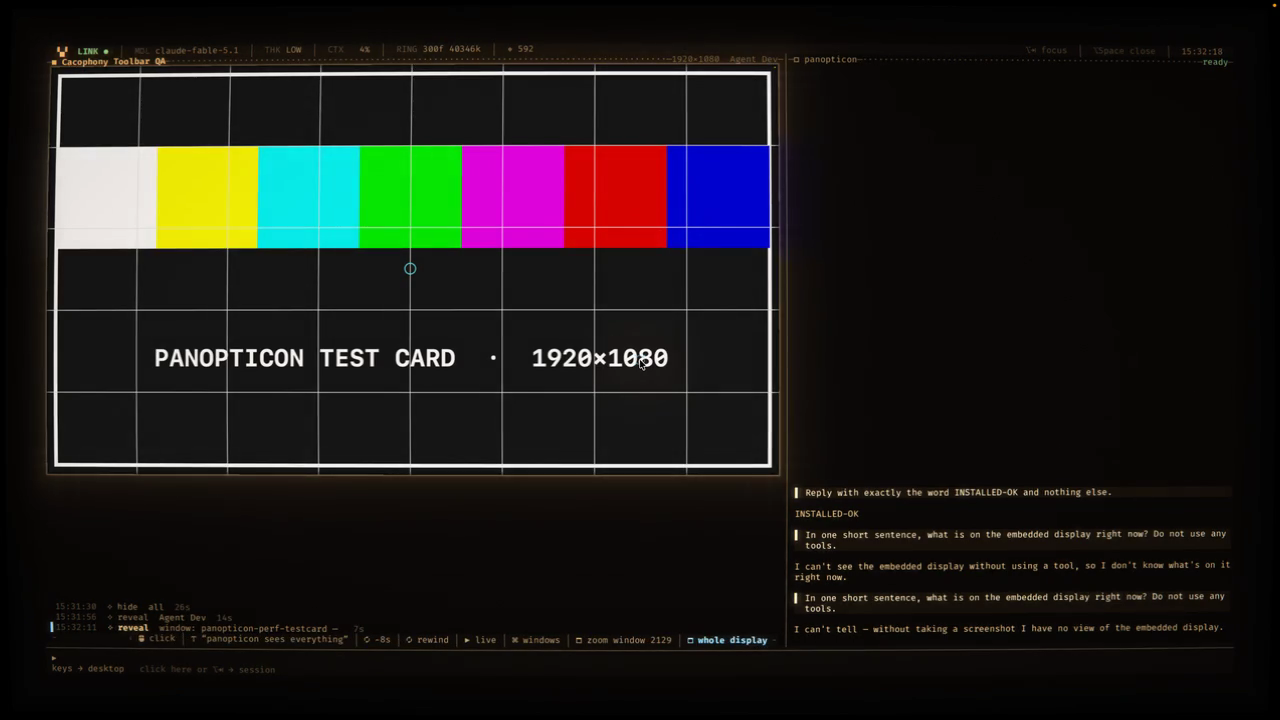
desktop_accessibility— snapshot,press,focus,enter_text,move_mouseby element id. Secure fields are redacted.desktop_mouse/desktop_keyfor everything AX can't describe: canvases, drags, scrolls.desktop_windowanddesktop_space— focus or zoom a window, switch Spaces on exactly one display. Nothing the agent holds can toggle the overlay itself.- Click into the embed and the real pointer becomes the desktop's until ⌥Tab — confined to that display, no side-of-screen drags.
- Every action lands on the tape under the screen and charges the phosphor. Typing ticks. Chimes share one root note.
03
It rewinds
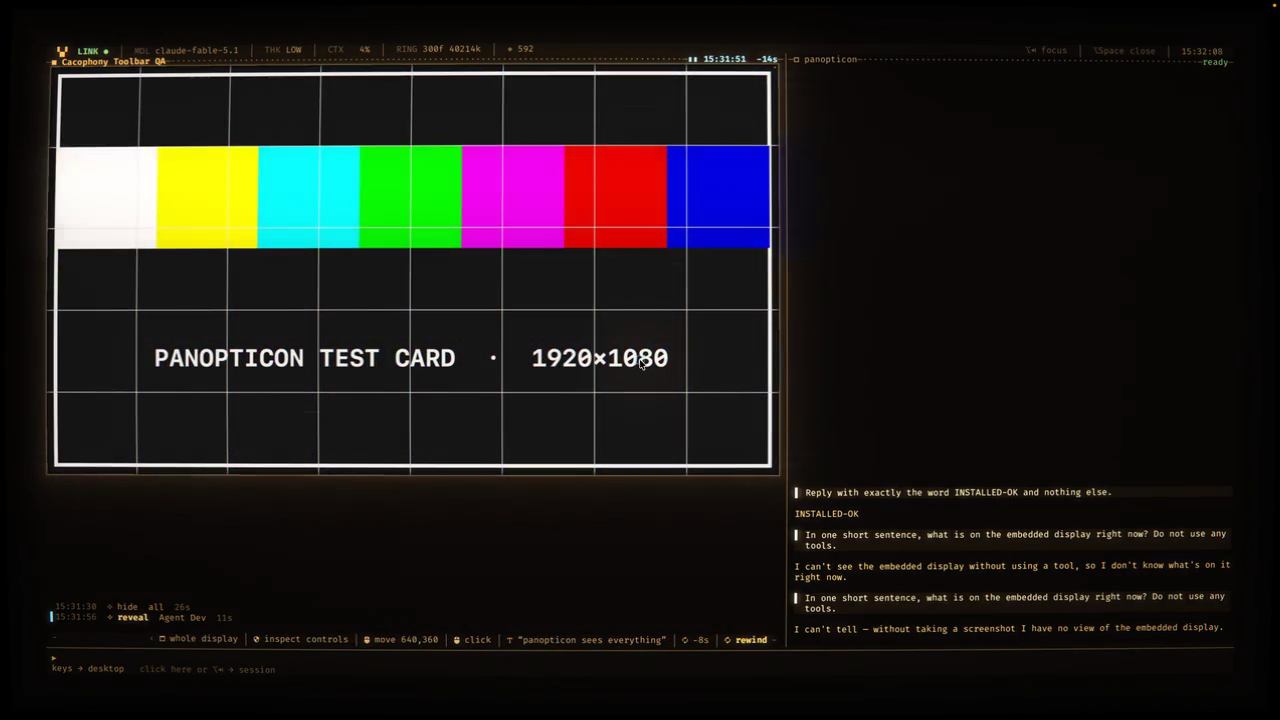
seek, step, find, note — and the moment it acts, the view snaps back to live first.04
Install
# from a release zip
curl -LO https://github.com/harryaskham/panopticon/releases/latest/download/Panopticon-0.1.0.zip
ditto -x -k Panopticon-0.1.0.zip ~/Applications/
open ~/Applications/Panopticon.app

# or from source (host Xcode + nix)
git clone https://github.com/harryaskham/panopticon && cd panopticon
nix develop -c scripts/build.sh install
macOS 14+, Apple silicon. First launch asks for Screen Recording; desktop control needs Accessibility and Input Monitoring. Release downloads currently require GitHub repository access.
Make any pi a Panopticon pi
pi install git:github.com/harryaskham/panopticonThe desktop_* tools and desktop-context pushes, talking to the running app over its control socket. Also an HTTP MCP endpoint for other agents on the machine.
Config lives at ~/.config/panopticon/config.yaml; /settings in the harness edits it live. Everything is scriptable through panopticonctl.