Plate I · Overview
pa·ra·ten·ic adj. of a host: not needed for the parasite’s development, yet keeping its life cycle going.
Host the agents you already run.
Paratenic is an Agent Host Protocol server that runs no model of its own. It adopts Pi sessions where they already live, starts an ordinary Pi in tmux when a client asks for a new session, and keeps every one of them in step across every AHP client — Culture on desktop, phone, watch and web. Other AHP hosts, such as pi-daemon, sit beside it, and Culture connects to each.
What it is
A host for sessions, not for models
The Agent Host Protocol splits an agent system in two: a host that owns sessions and their state, and clients that subscribe to snapshots and ordered actions, reconnect without losing their place, and steer. VS Code’s Agent Host is one such host, and it runs its agents inside its own process.
Paratenic is a host that runs no agents. Runtimes keep inference, tools and files, and register with Paratenic over an owner-private Unix socket. Paratenic turns what they report into official AHP state on one host-wide sequence, persists it, fences stale processes and routes each client command to the single runtime that owns the conversation.
Take Paratenic away and nothing stops: a Pi in a terminal keeps working, and its extension re-registers with backoff when the host returns.
- 27/27
- AHP 0.8 commands
- 86/86
- actions, on the official reducers
- v14
- live-backend protocol
- 0
- caps on sessions, clients or chats
- 1
- tmux session per created agent
- 0
- Pi runtimes held by a dormant session
Topology
Runtimes on one side, clients on the other
Three tenancies
Every kind of agent, one plane
A conventional host owns every agent it shows. Paratenic shows three kinds side by side, and a client cannot tell them apart until it asks what it can do with each.
| Property | Attached | Host-created | Offline |
|---|---|---|---|
| Runtime | The Pi process in your terminal | An ordinary Pi the Pi provider started in tmux | None: its Pi has exited |
| Born | When you start pi | AHP createSession, at a URI the client chose | When its Pi exits |
| Joins through | The Paratenic extension, one socket per session | The same extension, claiming its URI with a one-time token | Resuming the conversation in Pi rejoins at the same URI |
| While idle | A live process; it is the session | A live Pi in tmux; attach any time | History on disk; no runtime |
| A prompt | Routed once, submitted through Pi’s extension API | The same: routed once through its extension | Refused until a Pi rejoins |
Protocols
Where AHP ends and the others begin
| Protocol | Connects | In Paratenic |
|---|---|---|
| AHP | Many clients to one host that owns session state | Paratenic is the host: AHP 0.8, all commands, actions and notifications |
| ACP | One editor to one agent process | Not spoken. A runtime’s ACP stream may check parity; it never owns commands |
| MCP | An agent to tools and context servers | Runtimes advertise MCP servers; AHP side channels forward allowlisted calls |
| AG-UI | An agent run to a frontend event stream | A disposable projection of AHP inside Culture’s client core |
| A2UI | Declarative UI to a component catalogue | Rendered against an allowlist; it can propose intents, never settle them |
| Backend | A runtime to Paratenic | Paratenic’s own JSON-lines protocol over a Unix socket, versions 1–14 |
Culture
One client for every host, on every screen
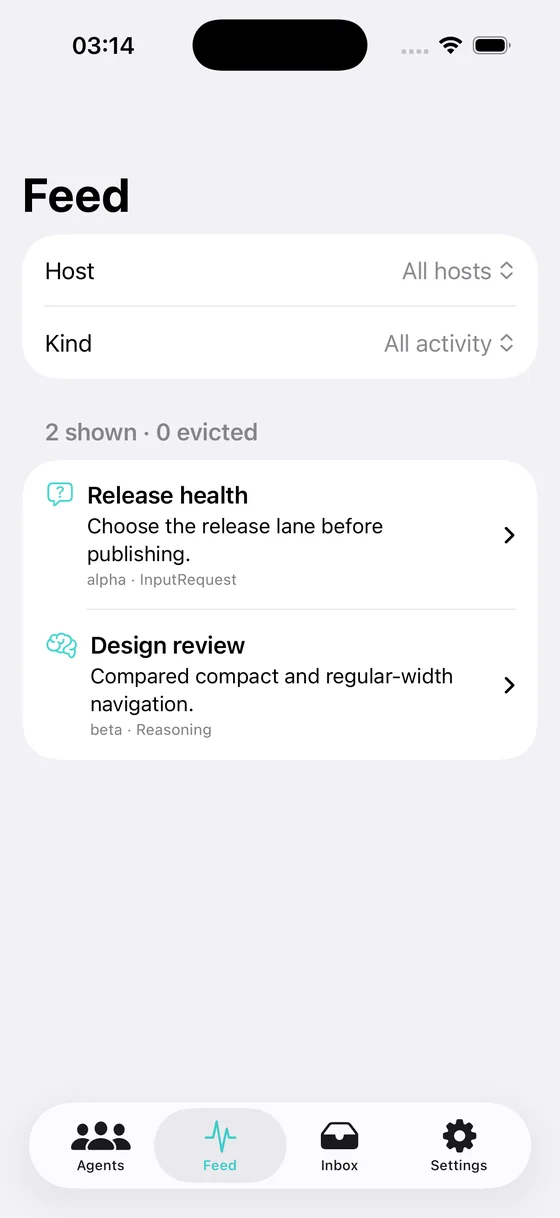
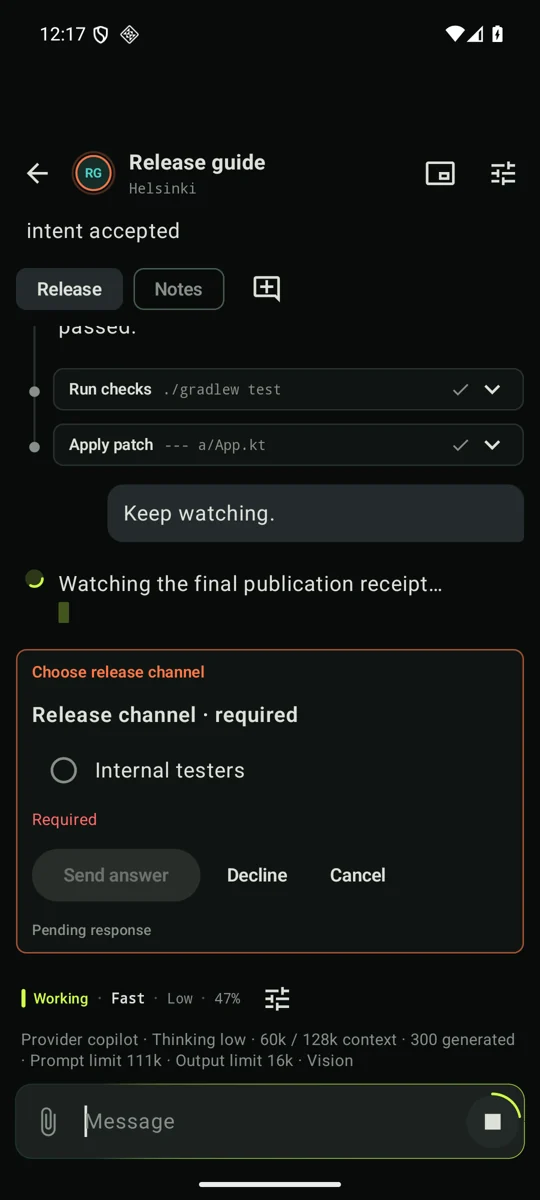
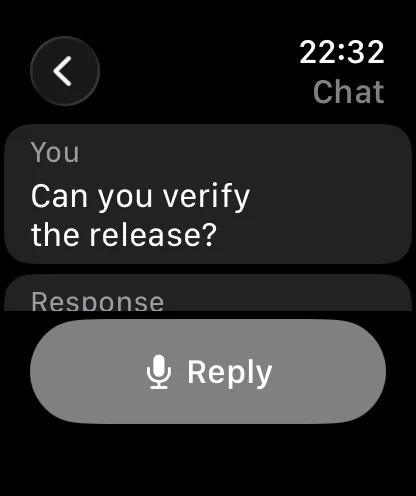
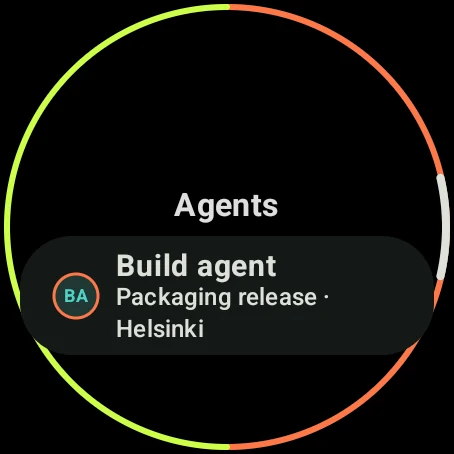
Culture holds an independent AHP connection to each host you configure and merges them into one workspace: one agent list, one feed, one inbox of questions waiting for you. The same Rust core drives the terminal, the browser, macOS, iPhone, iPad, Apple Watch, Android and Wear OS.
Start
Four commands to a shared session
Install both binaries
# from a checkout: ~/.local/bin/paratenic and culture
just install all
Start the host
paratenic serve # 127.0.0.1:7788, state in ~/.local/state/paratenicLoopback only by default.
/ahpis the WebSocket;/healthzcarries no content.Attach the Pi you already have
pi -e ./extensions/paratenic.mjsBoth sides default to the same socket,
$XDG_STATE_HOME/paratenic/backend.sock. Optionally runparatenic provider piso clients can create sessions, each a Pi in its own tmux session.Open Culture
culture config init
culture            # terminal
culture web        # browser, 127.0.0.1:7789
Boundary
Not here yet
- Built-in TLS. Non-loopback plaintext is refused unless a strict token file and an explicit trusted-proxy flag are both given.
- Full transcript resynchronisation after a runtime loses its outbound buffer.
- Dynamic model-completion catalogues, and generic Pi extension-UI projection beyond the Pi-AHP bridge.
- AHP 0.9 additions such as automation channels and
chat/turnResume.