Rust · daemon · CLI · MCP · TUI · web · Android · iPhone · Mac
Outbox
Outbox is a review queue for the messages agents and scripts want to send. A Slack message, an email or a Teams chat waits in Outbox until you approve, edit, send back or reject it, from a browser, a Mac, an Android phone, an iPhone or Apple Watch, a terminal or the command line. Approved messages go out through a command you configure for each destination.
outbox send slack dm --username priya --reason "She asked when the fix ships" \
    -- "The retry fix is in tonight's build; I'll confirm once it is live."
ob_kjwdj3dd  pending             0s  slack dm → Priya Shah  · claude · studio
waiting for review · outbox message wait ob_kjwdj3dd
outbox approve ob_kjwdj3dd
ob_kjwdj3dd  approved           11s  slack dm → Priya Shah  · claude · studio
sending after the undo grace · outbox undo ob_kjwdj3dd
Reviewing
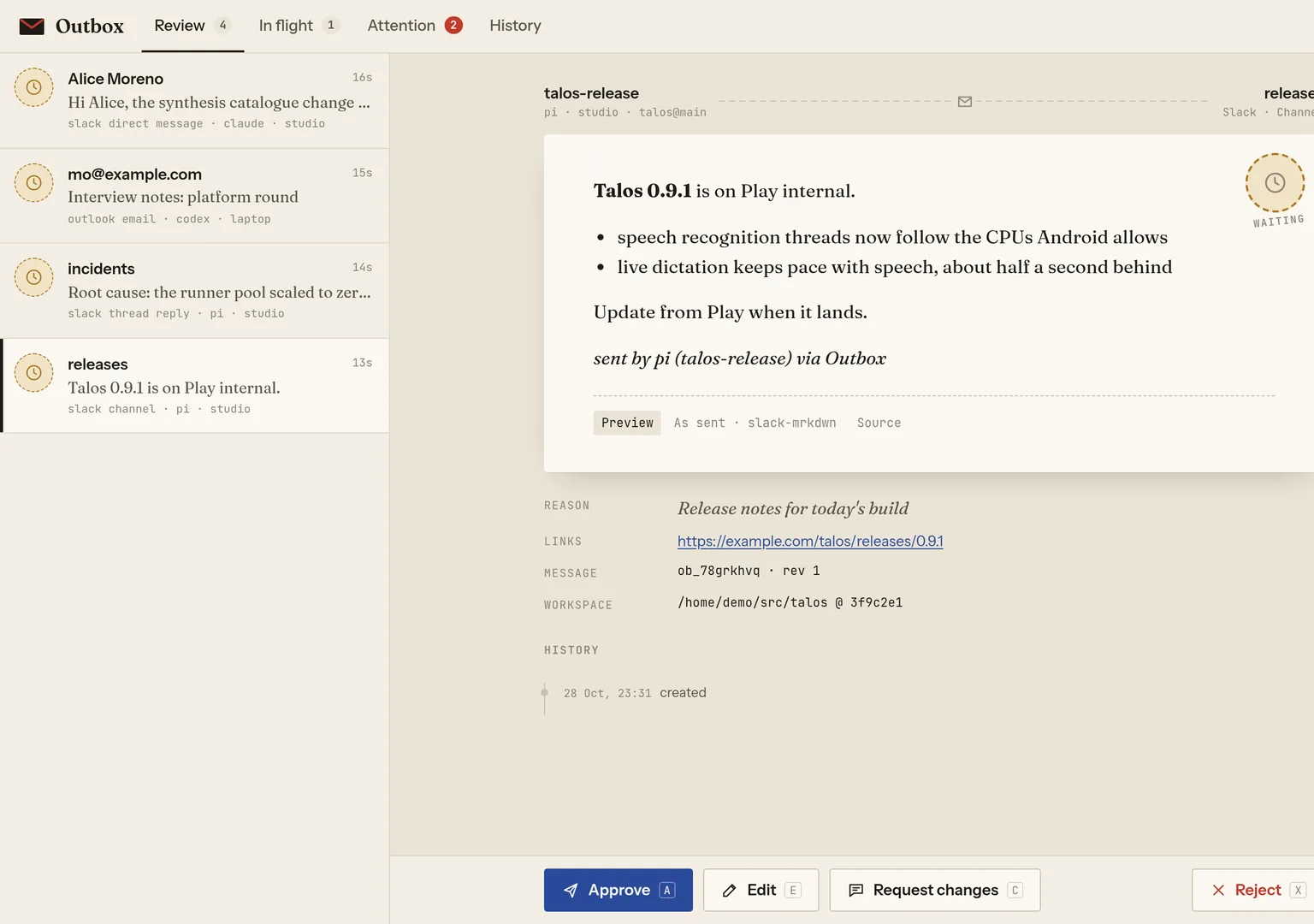
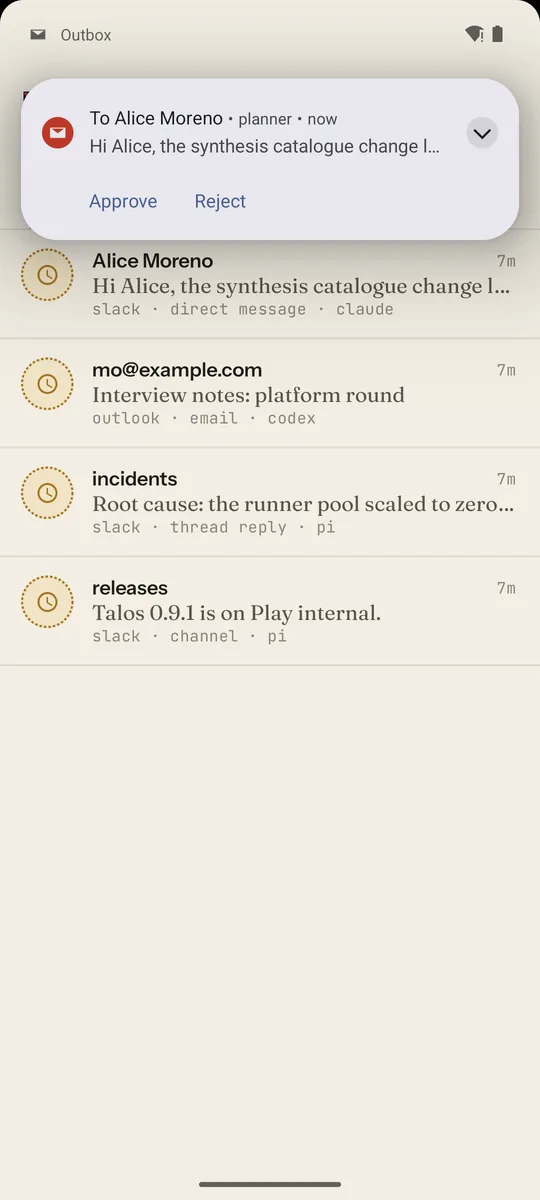
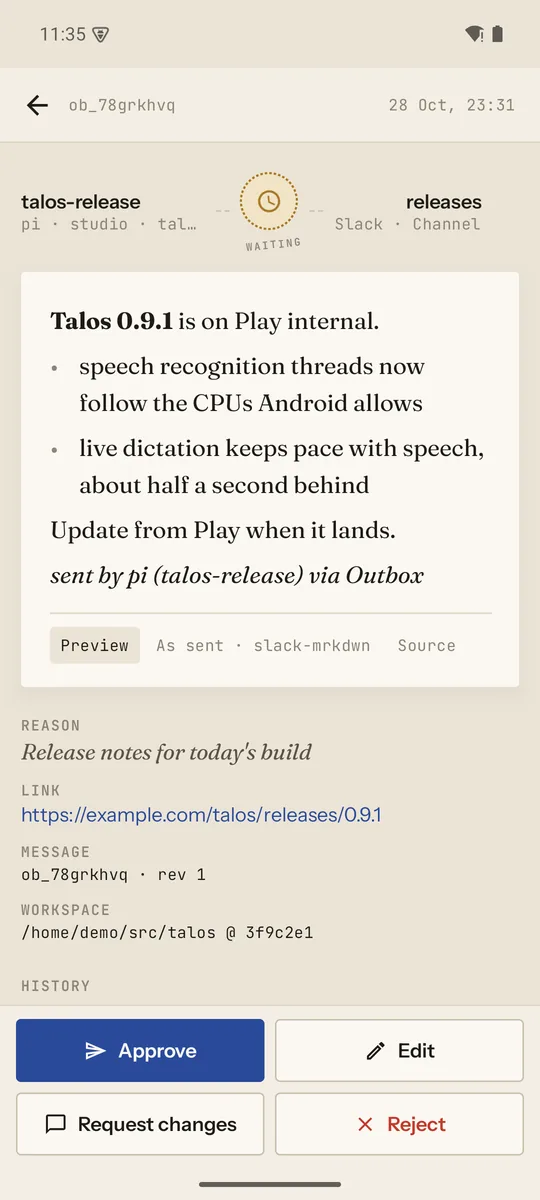
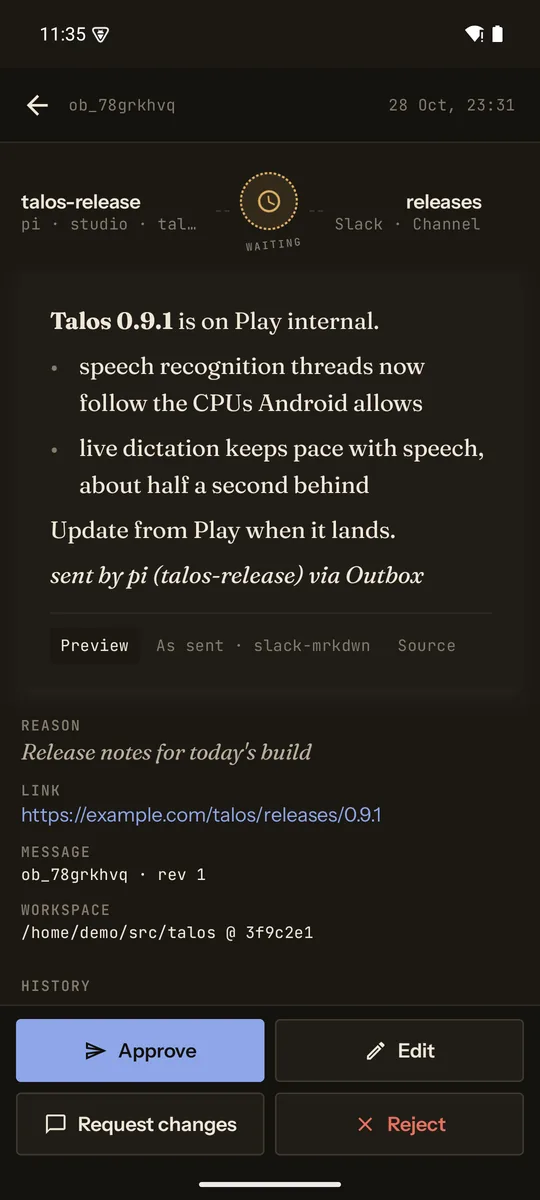
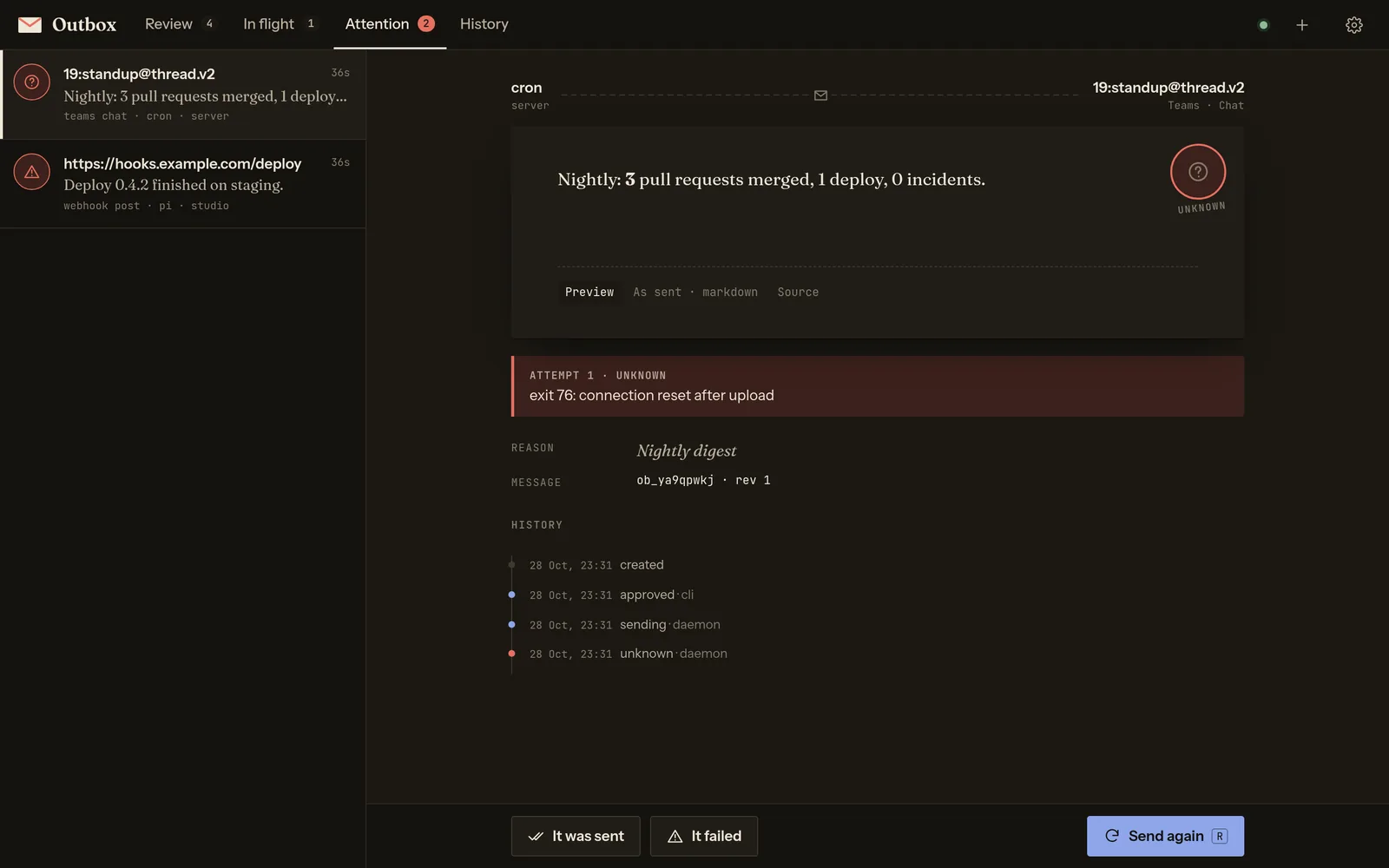
Every client shows the same queue, live: Review, In flight (approved, sending, or sent back for changes), Attention (sends that failed or may not have happened) and History. Each letter shows who it is for, what will be sent, who proposed it and from where (agent, host, repository and branch), the sender's reason and links, and the body as the destination will render it.
| Action | What happens |
|---|---|
| Approve | Sends after an undo grace, 5 seconds by default; Undo takes it back. |
| Edit | Saves your version as a new revision; the sender's original is kept. |
| Request changes | Sends it back with your note; the sender revises it and it returns for review. |
| Reject | Closes it; the sender sees your reason. |
| Retry, resolve | For failed sends, and for sends whose outcome is unknown. |
| Auto-send | Per destination or message type, for a while or until turned off: outbox auto on slack --for 2h. |
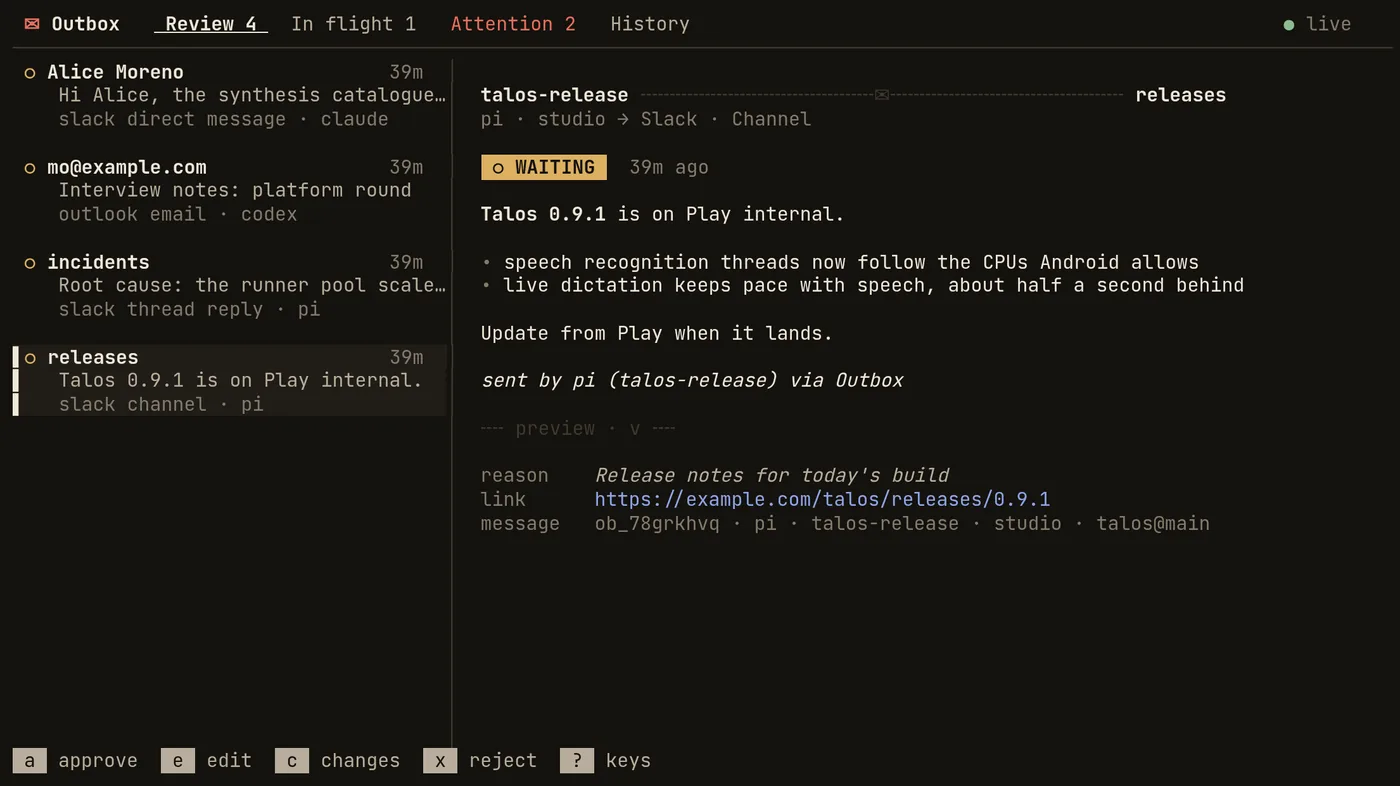
outbox on a terminal: the same queue, keyboard first.| j k | next, previous | 1–4 | Review, In flight, Attention, History |
| a u | approve, undo | e | edit |
| c | request changes | x | reject |
| r | retry | / | search history |
Lifecycle
unknown, and Outbox never retries it on its own: you mark it sent or failed, or retry it. Exit 75 means "not sent, try again" and is retried up to three times, after 30 seconds, then one and two minutes.Sending from an agent
A sender names a destination (a sink, such as slack), a message type (dm), a target and a body. The CLI builds its flags from the daemon's catalogue, so each type's help lists its own targets and fields:
outbox send slack dm --help
outbox send slack dm --<target> VALUE [options] [-- body…]

Direct message

Target (one of):
  --username VALUE
  --user-id VALUE

Format: slack-mrkdwn · approval: review · decorated

Options:
  --body TEXT | --body-file PATH|- | -- words…   (else stdin)
  --reason TEXT            why (shown to the reviewer)
  --link URL               context link (repeatable)
  --expires 2h             expire unreviewed after
  --route NAME             return route for outcomes
  --no-route               no automatic routes
  --idempotency-key KEY    safe retries
  --from LABEL             sender label
  --wait[=decision|settled|final] [--timeout 30m]
  --field NAME=VALUE | --to KIND=VALUE
outbox message wait ob_kjwdj3dd
ob_kjwdj3dd  sent               16s  slack dm → Priya Shah  · claude · studio
MCP
outbox mcp stdio gives agents outbox_sinks, outbox_send, outbox_status, outbox_wait, outbox_revise, outbox_withdraw and outbox_list. Review tools (outbox_approve, outbox_reject, outbox_request_changes, outbox_edit, outbox_toggle) are only offered with --review-tools.
Hearing back
A sender can block with --wait, poll outbox message status, or be told: a return route delivers each decision and outcome to whoever sent the message, such as an agent's inbox. Routes and hooks run from a persisted cursor, at least once, and leave receipts (outbox receipts).
Decoration
A sink can add a footer such as sent by claude via Outbox. Agents cannot turn it off; you can, for messages you compose yourself.
| 0 · 1 | ok · failure |
|---|---|
| 2 | invalid input |
| 3 · 4 | config · auth |
| 5 | not found (including an unknown target) |
| 6 | conflict: the message changed meanwhile |
| 7 | rejected, withdrawn or expired |
| 8 | --wait timed out |
| 9 | changes requested |
| 69 | daemon unreachable; nothing is queued locally |
Sinks are configuration
A sink type is a few lines of YAML: the target kinds it accepts, optional fields, the body format the destination wants, and the command that sends it. Outbox renders the Markdown body into that format, and runs the command on the daemon's host with a scrubbed environment.
sinks:
  outlook:
    label: Outlook
    types:
      email:
        targets: [address]
        fields:
          subject: {type: string, required: true}
          cc: {type: list}
        format: html
        command: mail-send --to "$OUTBOX_TARGET" --subject "$OUTBOX_FIELD_SUBJECT"
policy:
  rules:
- {sink: slack, type: note, approval: auto} # notes to yourself skip reviewstdin, OUTBOX_BODY, OUTBOX_BODY_FILE | the rendered body |
|---|---|
OUTBOX_TARGET | the resolved id, or the value given |
OUTBOX_FIELD_<NAME> | each field; all of them in OUTBOX_FIELDS_JSON |
OUTBOX_MESSAGE_ID | also OUTBOX_IDEMPOTENCY_KEY, with OUTBOX_ATTEMPT |
OUTBOX_SENDER_JSON | who proposed it |
OUTBOX_DRY_RUN=1 | a test run that must not send |
| 0 | sent; a last stdout line {"url": …} is kept as the receipt |
|---|---|
| 75 | not sent, retryable |
| 76, timeout, signal | unknown |
| anything else | not sent |
An optional resolve command checks a target when a message is proposed (alice becomes Alice Moreno, or the send fails with exit 5), suggest feeds autocomplete when composing, and check reports the sink's health.
How it fits together
- Storage. One SQLite file; bodies, revisions and events are kept.
- Access. One bearer token shared by the daemon and its clients; the web app signs in with it and keeps a session cookie.
- Deployment. A NixOS module runs the daemon as a systemd user service, so sink commands run with your own tools and credentials.
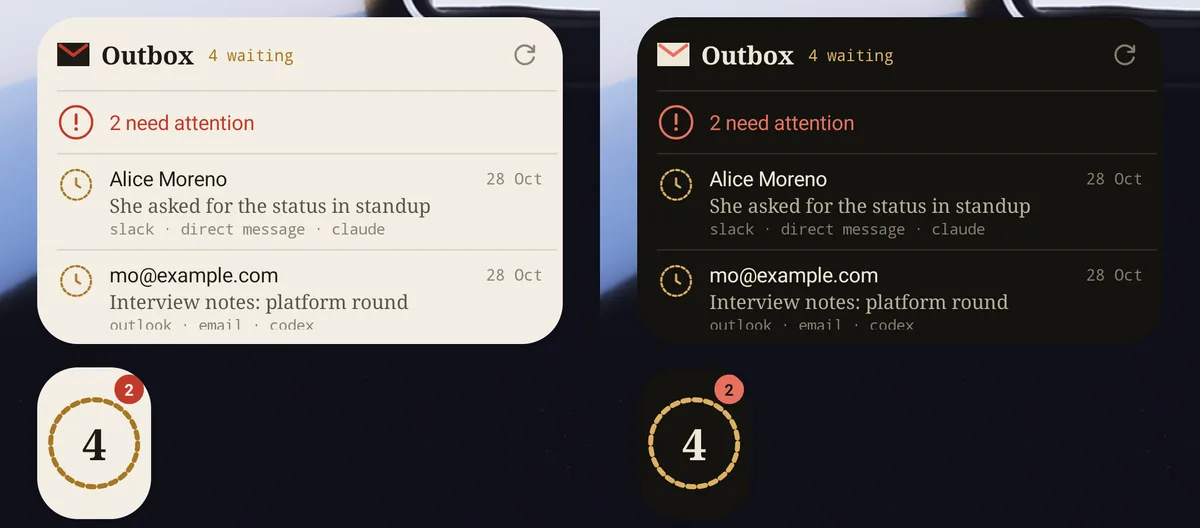
- Android. Follows the daemon only while open. Otherwise it checks every 15 minutes for notifications and widgets, or keeps a quiet live connection if you turn that on.
- Mac. A native app with the terminal UI's keys, a menu-bar item to approve, reject, undo and retry, and notifications with the same actions. It follows the daemon while it runs, and uses the URL and token file the CLI on that Mac already has.
- iPhone and Apple Watch. The iPhone app follows the daemon while open and checks in the background when iOS allows; its widgets show who a letter is for, never the body. The watch works through the iPhone, which keeps the token.
Limits
- Sender identity is advisory. The agent, host and repository on a letter are what the sender's client reported; anyone with the token can claim anything.
- No attachments and no scheduling. A message is text, sent when approved.
- Sinks are yours to write. Outbox runs commands; it does not ship a Slack or email client of its own.
- Source. Outbox is part of a private repository; the Android app is in Google Play internal testing, the iPhone and watch apps in TestFlight, and the Mac app is built by its Nix package.