com.harryaskham.omni · Swift · iPhone · iPad · Apple Watch · Mac
Omni
A keyboard that reads the same XML layout files as Omni on Android, so one layout serves both phones. It is a clean reimplementation in Swift from the file format and observed behaviour, not a port of the Android code.
- swipe eight characters per key
- chord
ctrl,a,gas one key - TERM escape sequences for SSH
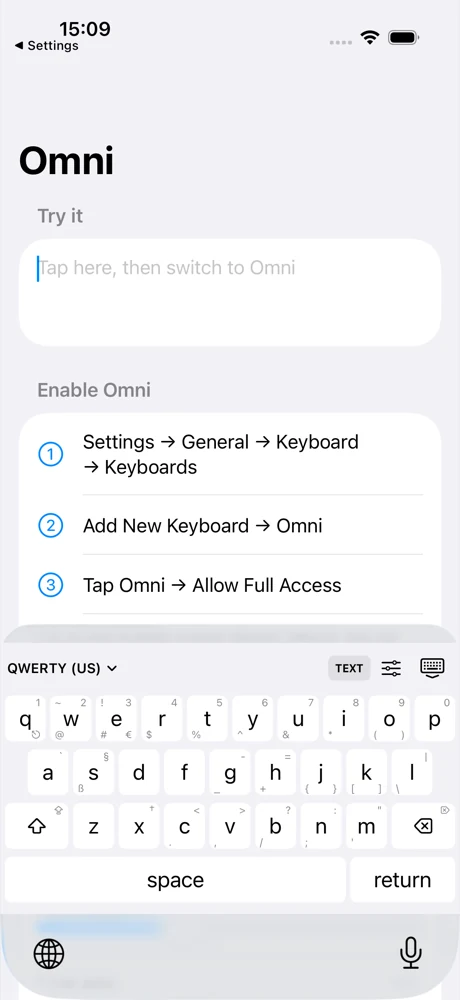
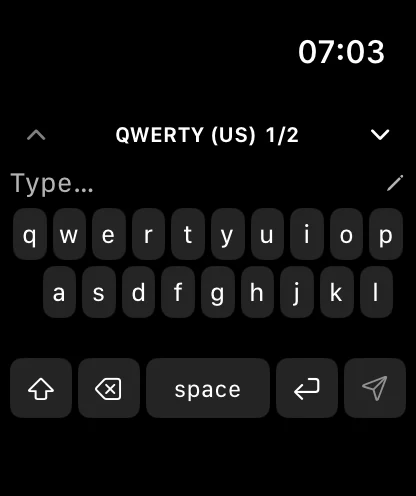
One layout, every keyboard
Each key holds a main character and up to eight more, one for each direction you can swipe from it; the small characters printed in a key's corners show where they are. Widths and leading gaps are measured in key units, as in the Android format, so a layout written for a phone renders the same way here.
A key can play a comma-separated chord such as tmux's ctrl,a,g as a sequence. A tapped modifier applies to the next key and a held one locks, and Control, Alt and Meta turn into the control characters and escape prefixes a terminal expects. In terminal mode the arrows and editing keys send ANSI escape sequences, which is what SSH apps such as Blink read.
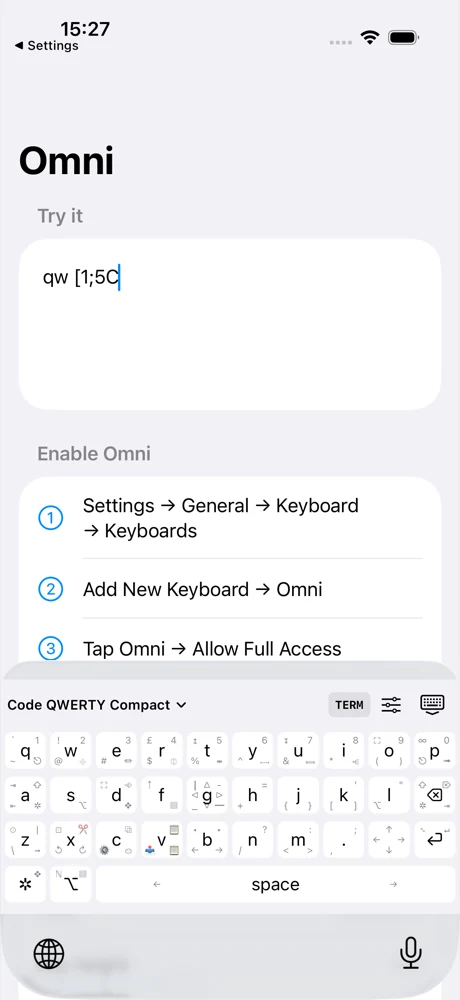
[1;5C.Typing from somewhere else
Omni can be typed into from another machine. A command-line tool sends small commands, one JSON object per line, and whichever Omni is listening types them: the iPhone keyboard into the field it is focused on, the Watch into its own field, the Mac receiver into the frontmost app. The Android keyboard reads the same wire.
{"v":1,"type":"text","text":"hello"}
{"v":1,"type":"key","key":"backspace"}
{"v":1,"type":"combo","combo":"ctrl,a,g"}
An iOS system keyboard cannot float, snap or resize the way the Android one does, and casting needs the keyboard's Full Access setting.
Where it runs
| Device | What Omni is there |
|---|---|
| iPhone, iPad | A system keyboard, chosen from the globe key, with an app for layouts and settings |
| Apple Watch | A keyboard inside the Omni watch app, with its own layout picker |
| Mac | A menu-bar app that receives cast typing |
| Command line | Sends casts to any of them |
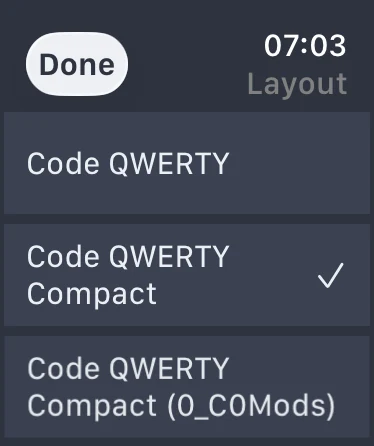
The engine's test suite runs on the Mac without a simulator. Signed builds reach testers through TestFlight.