com.harryaskham.waylandroid · Kotlin · C
Waylandroid
An Android app with a Wayland compositor built in. Run Sway or Hyprland from Nix-on-Droid and Waylandroid shows the whole desktop in a floating window or fullscreen. GPU apps inside it are drawn on the phone's GPU and handed to Android with one GPU copy and no CPU copies.
It is the Wayland sibling of X11 Droid, which does the same for X11 programs, and it shares its floating windows, its zero-copy bridge and its remote-control listener with it.
How it fits together
Waylandroid is the host compositor: it owns the Android surface, the GPU presentation and the input. Sway and Hyprland run inside Nix-on-Droid, a separate app that provides Linux userspace under proot, and connect to Waylandroid exactly as they would to any parent compositor. Each reads your own configuration, with no generated config or injected arguments.
Clients reach Waylandroid through a socket at $XDG_RUNTIME_DIR/waylandroid-0. Each connection is passed across to the Android app with its file descriptor and adopted by the compositor there, so the desktop speaks Wayland directly to it, with no waypipe and no network relay.
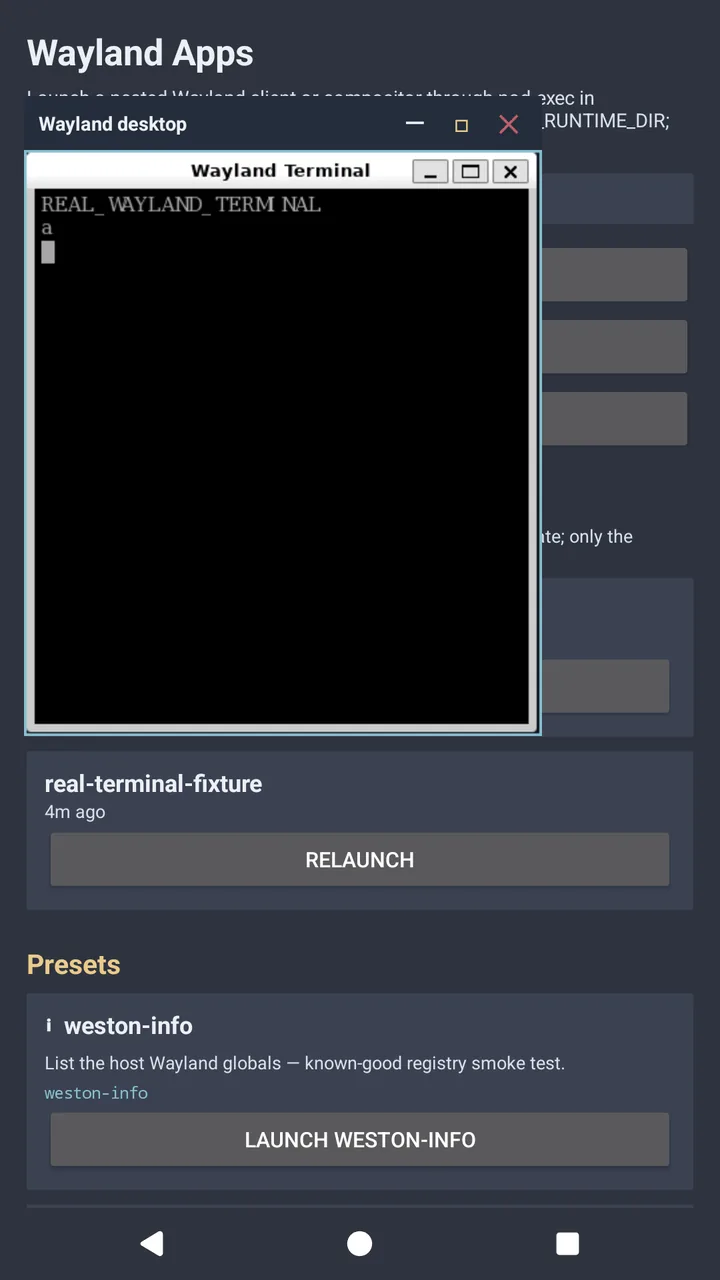
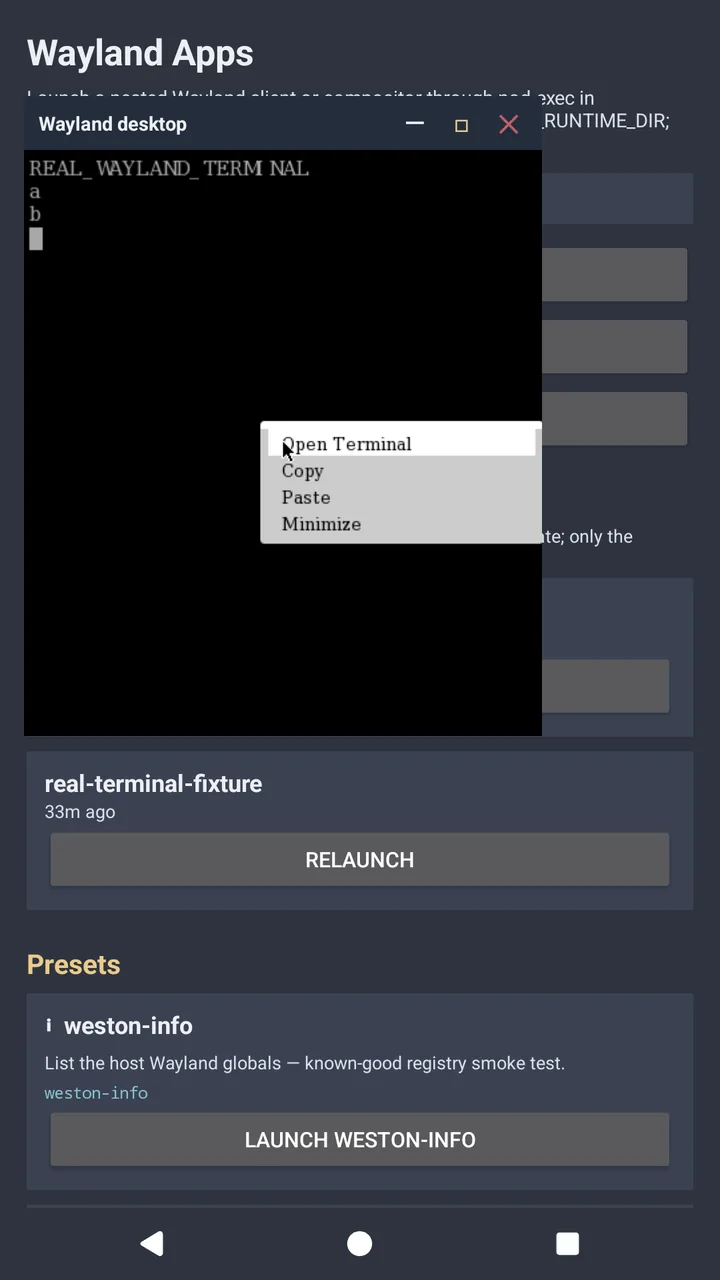
Zero-copy frames
A Linux desktop compositor expects three things an Android app does not have: a DRM device to allocate buffers on, a GPU driver that understands Linux DMA-BUFs, and its clients in the same process or user. Turnip, Mesa's open-source Vulkan driver for Adreno GPUs, makes it possible: it runs on Android's own kernel interface, exports its images as DMA-BUFs and imports Android's gralloc buffers, which are DMA-BUFs underneath. Everything else arranges for Turnip to do the GPU work on both sides.
Compositing without a DRM device
- wlroots (Sway): a patch, enabled with
WLR_VK_NO_DRM=1, picks the Vulkan device directly, allocates output buffers through Vulkan instead of GBM, and offers clients linux-dmabuf version 3, which needs no device. - Hyprland renders with OpenGL ES on a surfaceless display, turned into Vulkan by zink. Its backend library gets the same kind of allocator (
AQ_VK_NO_DRM) and fixes for running nested, and it runs at the host's refresh rate, passed in asWAYLANDROID_REFRESH_HZ. - OpenGL apps stay on the GPU through a small Mesa patch that keeps zink on the device-less path.
Getting frames across apps
Waylandroid owns a ring of four gralloc buffers, sized to the view they are shown in. When the desktop commits a frame, the bridge waits on its fence and copies it into a free slot with one vkCmdBlitImage, and Waylandroid shows the slot on a child SurfaceControl layer.
Measured
| Setup | Running inside | Rate | CPU copies |
|---|---|---|---|
| Hyprland docked, launched from the app | vkcube | 163 fps | 0 |
| GPU Sway docked, launched from the app | vkcube | 164–166 fps | 0 |
| Hyprland in a Waylandroid float | vkcube, kitty, rofi | 60 fps | 0 |
vkcube's frames were counted with WAYLAND_DEBUG and the bridge's own counters, read through the app's control API, while the panel's active mode was read every second. 165 Hz needs the phone's refresh rate fixed at 165: its automatic mode holds apps at 60 except just after a touch, and the float row was measured before that was known.
Behaving like an Android app
- Paced to the panel. Frame callbacks follow Android's vsync and count GPU frames as well as the compositor's, up to the panel's rate.
- Float or dock without restarting. Whichever view's surface appeared last takes the frames; switching never ends the session.
- Sharp at any size. The ring is re-allocated to fit its view, and size changes wait a quarter of a second for a resize to settle.
- One desktop at a time. Launching a desktop closes the one already on the display.
- Input. Keyboard, mouse (captured while docked), scroll, and touch as a real Wayland touch device.
- External displays. A docked desktop can open on an external display instead, still zero-copy.
Limits
- Zero-copy, still marked as a preview in the app, needs Android 13 or later and an Adreno GPU that Turnip supports. Waylandroid itself runs from Android 8.
- The GPU desktop is built on the phone from sources carried in the app; the first build takes about an hour and a half.
- Without it, Sway falls back to compositing on the CPU; Hyprland needs it.
- Nix-on-Droid runs under proot, so a few things are switched off, such as Mesa's shader cache, and zink's background shader compiler, which crashed Hyprland at start-up in five launches out of eight.
Trying it
- Install Waylandroid (and X11 Droid for X11 programs) from the Play internal track, with Nix-on-Droid.
- Under Connectivity, prepare the native display tools, built from the app's own sources.
- Turn on zero-copy GPU apps, then build the GPU desktop.
- Tap Sway or Hyprland; Display chooses docked or floating.
# or from a Nix-on-Droid shell
waylandroid-sway         # GPU Sway on the direct display
waylandroid-hyprland     # Hyprland (needs the GPU desktop)
vkcube --wsi wayland     # inside either