com.harryaskham.nodterm · Kotlin · Java · C
NOD Term
A terminal for the Nix-on-Droid shell on an Android phone. It connects to nod-exec, a small command server inside Nix-on-Droid, rather than running its own shell, and shows terminals docked in the app, in floating windows over other apps, or as live output in a home-screen widget.
Connections
The terminal itself is the terminal-emulator and terminal-view libraries, which started from Termux's and add the kitty graphics protocol and stylus input. Colours default to Nord and can be read from Nix-on-Droid's ~/.termux/colors.properties; the font is Fira Code with Nerd Font symbols.
Other apps and automation tools open terminals through two links: nodterm://run?cmd=… for a docked tab and nodterm://float?cmd=… for a floating one, which also work as pinned shortcuts. A tmux session is just a command, for example tmux new-session -A -s work.
Share to Shell
NOD Term appears in Android's Share menu. Shared text, a link, or one document up to 96 KiB becomes a named recipe with the exact shell command shown, single-quoted, and nothing runs until you tap Run in terminal or Run in floating terminal. Text can go to your pager or ~/shared-inbox, and links can be downloaded with curl.
Floating terminals
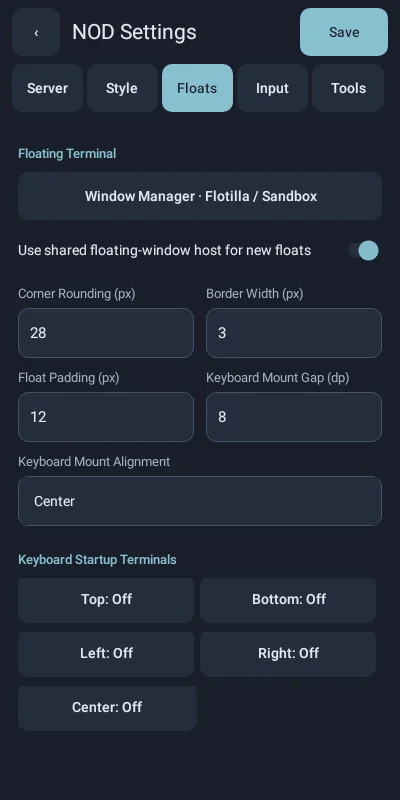
Floating terminals use the suite's floating-overlay windows: dragged by the title bar, resized from a corner, minimised to a pill, with configurable corners, borders, opacity and blur. They can be managed by Flotilla or Sandbox's Overlay WM, or by NOD Term alone.
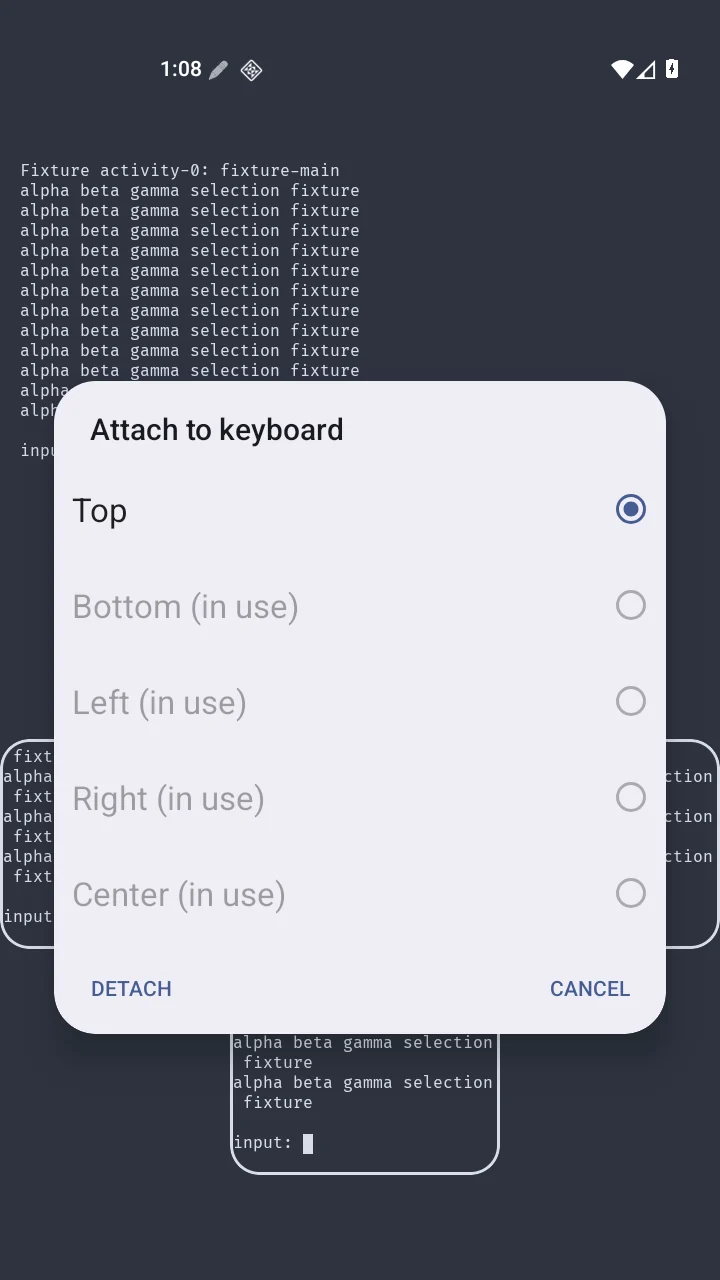
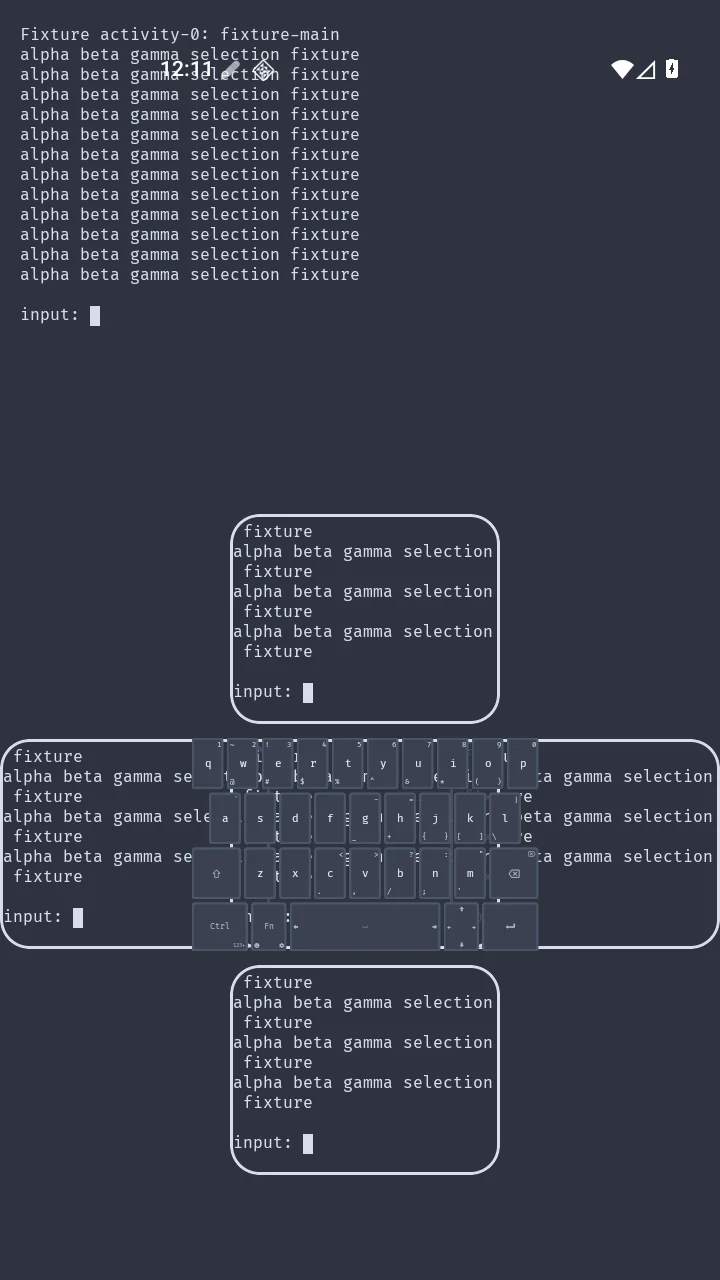
With the Omni floating keyboard, a terminal can attach to the keyboard in one of five slots. The attachment is only about placement: typing still goes through Android's normal input connection, and no terminal text passes between the two apps. Each slot can also start a terminal with its own command whenever the keyboard appears.
On the watch
The same Play listing includes a Wear OS app: a standalone SSH terminal for the watch. It reaches hosts through Wear Tailnet's tunnel, without a VPN of its own, and keeps the session in a foreground service so the screen can come and go. The phone app designs its layouts (a terminal area plus strips of buttons such as Up, Down, Enter and push-to-talk, 75 % and 25 % by default) and its SSH presets, then syncs them to the watch when you ask. A paired Bluetooth keyboard types straight into it.
Limits
- NOD Term needs Nix-on-Droid with nod-exec running; it has no shell of its own.
- The widget shows a command's output as a picture that refreshes; it is not interactive.
- Share to Shell takes one item at a time and never runs anything without a tap.
- Blur behind floating windows depends on the phone; without it the window is tinted.